Campfire Is the First ERP with an MCP Store



We launched something we've been working towards for a while: Campfire is now the first ERP to ship an MCP store.
Here's what that means for your team — and why it matters.
What are Connectors?
Connectors let Ember, Campfire's AI accounting agent, talk directly to the other tools your business runs on. Not through an export or or through a CSV or even through another AI tool. Live, bidirectional access — so Ember can read data from your other systems and take action in Campfire securely.

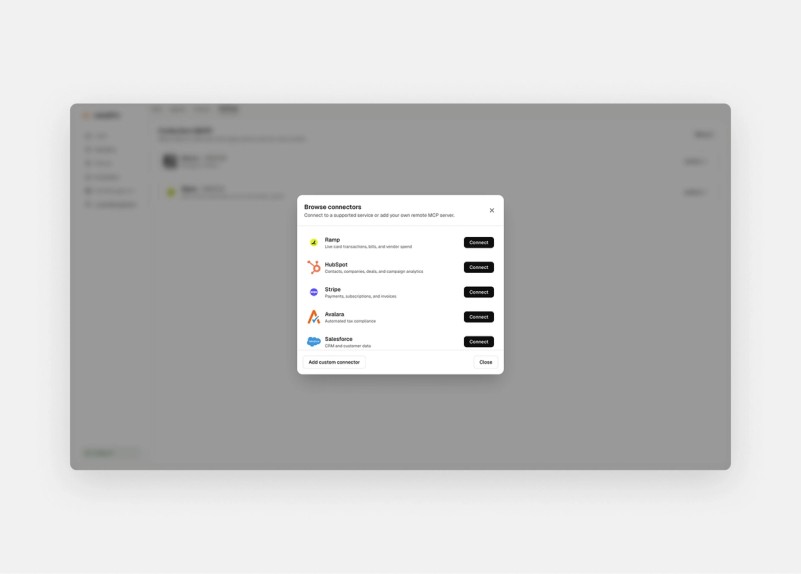
Connect in seconds
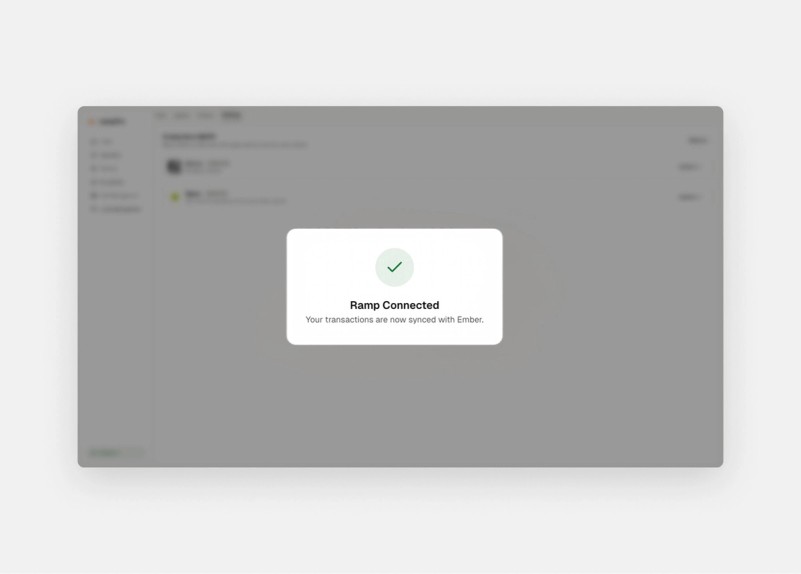
Once you've selected a connector, authorizing it is a standard OAuth flow — the same as linking any app. One click, credentials confirmed, done.
Once Connected Ember can now read from Ramp and act in Campfire.

What you can do with it
Once Ember is connected to your tools, you can ask it to work across all of them — in plain language.
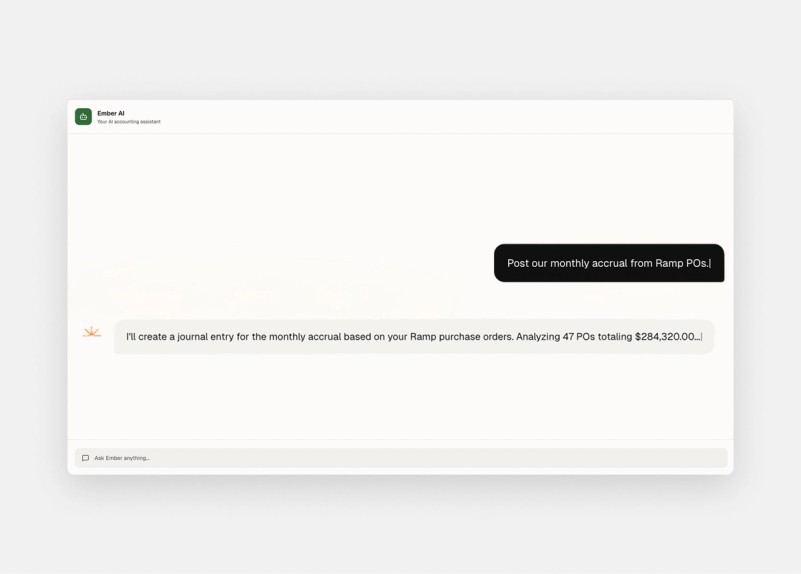
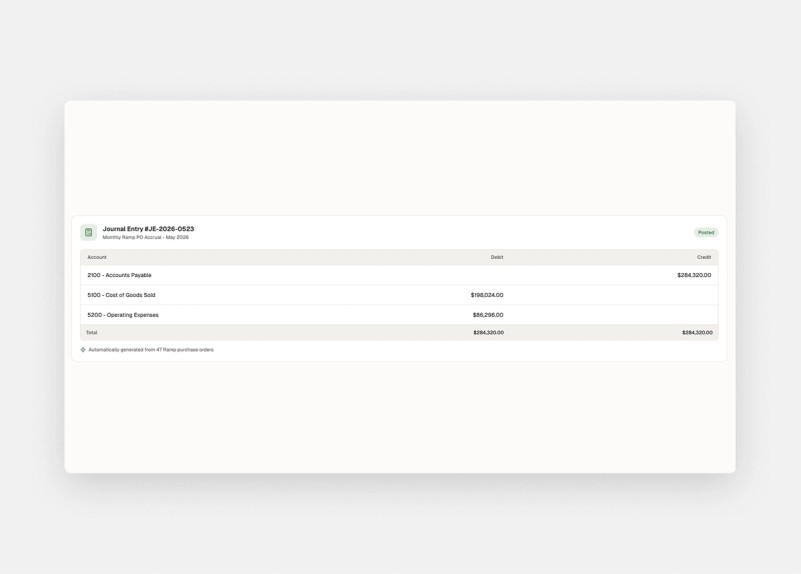
Post accruals from approved POs. Ask Ember to draft accruals based on approved purchase orders sitting in your procurement system. It pulls the data, prepares the entries, and posts them to Campfire.

A few other ways to get started:
- Auto-reconcile Stripe to Campfire. Payments that come in through Stripe get matched and reconciled inside Campfire automatically — no manual line-by-line review.
- Forecast spend with live CRM data. Ask Ember for a cash flow forecast that factors in your unposted AP and open POs alongside your live pipeline from HubSpot or Salesforce. You get a number you can trust.
- Draft invoices from contracts. Customer contracts and order forms in connected tools become invoices in Campfire — Ember handles the drafting, you handle the approval.
Every action Ember takes creates a real entry in your books — timestamped, attributed, auditable.

Your data stays secure in Campfire
Most importantly Ember runs natively inside Campfire. Your financial data never leaves the system to be processed by an external AI. Every action Ember takes — every journal entry, every reconciliation, every drafted invoice — sits in your audit trail, attributed to Ember, just like any other user action.
This is different from routing AI requests through an external tool with write access to your ledger. That approach puts sensitive financial data outside your control and outside your audit trail. Campfire doesn't work that way.
Add the MCPs in your finance stack
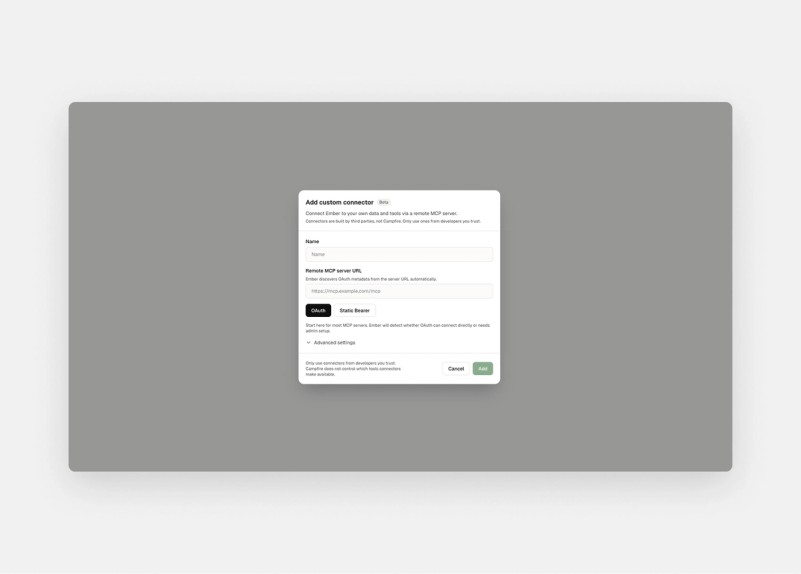
The built-in connectors cover the most common tools. But if your team runs on something else, you can connect it directly. Paste in the hosted MCP server URL, authenticate, and Ember can work with it.
Any hosted MCP server works.

Get Started
Connectors are available now in Campfire.
If you're already a Campfire customer, open the Connectors panel in settings to get started. If you're not, book a demo to see it in action.